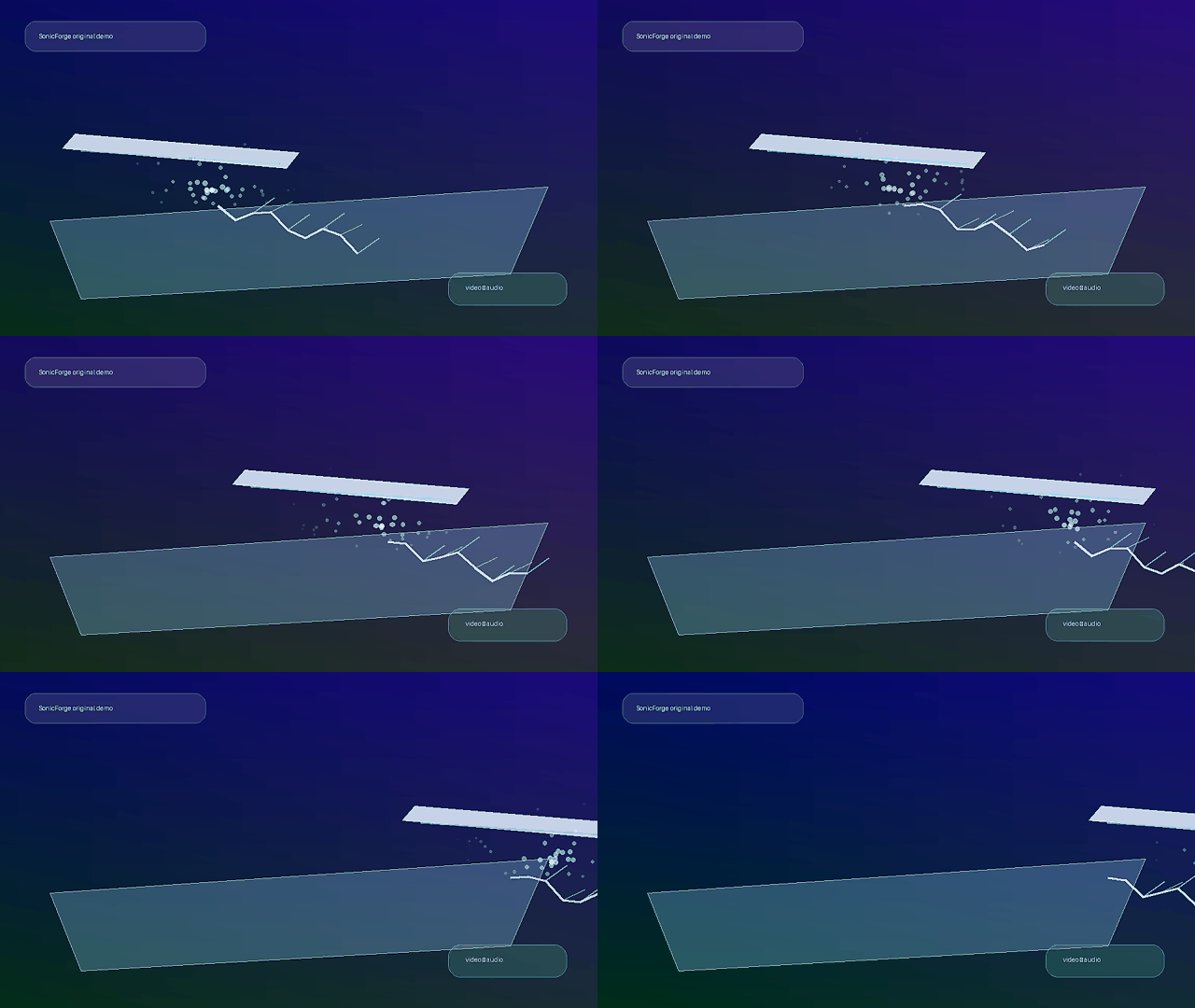
 Frozen water
AI-powered video to audio synthesis
Transform silent videos into immersive audio
SonicForge turns videos, scenes, and prompts into synchronized sound effects, ambience, and cinematic audio direction. Built for creators who need professional sound fast — not another stock-library rabbit hole.
- Upload file or video URL
- Prompt + negative prompt
- Advanced model controls
- Commercial workflow
Upload FileVideo URL
Original demo clip • click to generate audioPrompt: frozen water breaking, crisp crackle, steel blade gliding across ice
Duration: 8sCredits: 1
Video-firstaudio generated around scenes
Prompt-guidedtell the model what to create
Negative controlremove unwanted sounds
Live pipelineupload → PiAPI task → output
AI in action
Example scenes users instantly understand
Borrowing the reference site’s strongest move: concrete visual scenes with matching audio direction.
Frozen water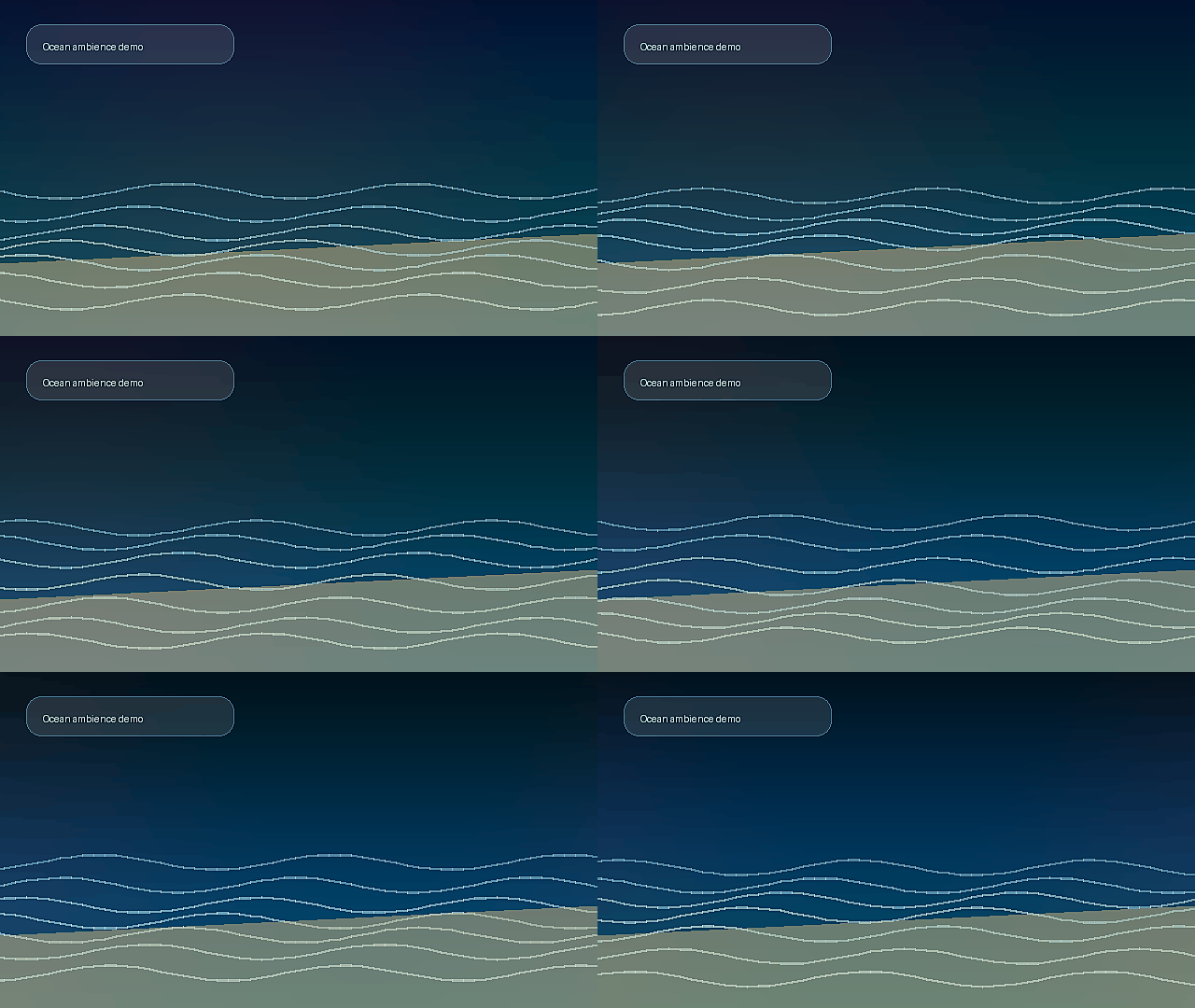 Ocean shore
gentle waves lapping against shore, rhythmic water movement, soothing natural ambience
Generate this → Dry earth
metal shovel digging into dry earth, distinct scraping and crunchy soil texture
Generate this →premium tech product reveal, clean whoosh, soft riser, subtle impact, polished tail
Generate this →Process
Video-to-audio in four simple steps
Simple enough for creators, structured enough for a real production pipeline.
Upload video or paste URL
Start with MP4/MOV/WebM or a video link. The interface makes the video-to-audio job obvious above the fold.
Describe + exclude sounds
Use prompt and negative prompt to guide what should appear and what must be avoided.
Tune generation settings
Choose model, duration, mood, intensity, and output type before spending credits.
Generate and export
Create a real PiAPI MMAudio task, preview generated media, and download the output when ready.
Reference optimization
What changed from the MMAudio reference
The goal is not to copy. It is to steal the conversion logic: clarity, specificity, controls, examples, process.
Reference pattern: generator first
MMAudio puts the tool directly in the hero. SonicForge keeps that conversion logic but routes users into a cleaner upload → task → output flow.
Reference pattern: video/audio specificity
The copy now leads with silent video → synchronized audio, not generic “AI sound effects.”
Reference gap: trust details
The competitor is strong on broad claims but weak on operational detail. SonicForge shows file limits, task states, cost estimate, prompts, negative prompts, and output handling.
Competitor analysis
What we took from MMAudio — and where SonicForge goes sharper
MMAudio’s page wins because the product is obvious fast. Our optimization keeps that clarity but adds more proof around the actual workflow.
Hero clarity
Competitor: MMAudio leads with “AI-powered video to audio generation.”
SonicForge: SonicForge leads with silent video → synchronized sound, then shows upload/file/URL controls immediately.
Generator trust
Competitor: MMAudio exposes prompt, negative prompt, duration, credits, and generate CTA.
SonicForge: SonicForge keeps those controls and adds visible task states: Upload, Create task, Process, Ready.
Commercial readiness
Competitor: MMAudio has broad use cases and FAQ coverage.
SonicForge: SonicForge adds creator-specific workflows, cost estimate, file limits, and output preview/download language.
SEO angle
Competitor: MMAudio targets “video to audio” and “AI audio generation.”
SonicForge: SonicForge targets video-to-audio plus sound effects, ambience, product demos, social clips, game prototypes, and prompt examples.
Buyer intent
Built around jobs people actually pay for
Generic “AI audio” is too soft. These buyer jobs make the page stronger for conversion and long-tail SEO.
For editors
Replace silent B-roll placeholders with scene-matched ambience, whooshes, impacts, and environmental texture.
For marketers
Generate polished product reveal audio, ad transitions, UI sounds, and social-video atmosphere without hunting stock libraries.
For game teams
Prototype movement, impact, UI, ambience, and loop concepts before paying for final sound design.
Advanced features
Controls that make the product feel real
The website now communicates a live, testable feature set before users ever reach pricing.
Multi-modal scene analysis
Analyze motion, cuts, objects, and atmosphere to plan synchronized audio.
Video to Audio
Upload silent footage or paste a video URL and create matching sound design.
Negative Prompt Control
Remove vocals, music, distortion, clipping, and unwanted background noise.
Advanced Generation Controls
Choose duration, model, mood, intensity, and output type before generation.
Environmental Sound Synthesis
Create rain, city noise, nature beds, room tone, impacts, crackles, and movement accents.
Commercial Workflow
Built for ads, social videos, games, education, films, product demos, and client work.
Applications
Use cases with actual buyer intent
These are the audiences most likely to understand and pay for AI video-to-audio generation.
Film & video production
Generate soundscapes that follow visual action, scene emotion, and cinematic pacing.
Social media content
Make short videos feel more polished and attention-grabbing without stock audio hunting.
Game development
Prototype impacts, movement, UI, environmental loops, and responsive audio directions.
Education
Add engaging sound effects and ambience to lessons, explainers, demos, and training content.
Archive enhancement
Give silent or historical clips contextually appropriate environmental audio.
Storytelling
Support emotional beats with ambience, transitions, tension, relief, and scene-specific texture.
FAQ
Reduce doubt before launch
How does SonicForge generate audio for videos?
Upload MP4, MOV, or WebM — or paste a public video URL. SonicForge stores the file, creates a PiAPI MMAudio video-to-audio task, then returns generated media for preview/download.
Can I use a prompt without uploading video?
Yes. You can start from text-only sound effects, ambience, brand stings, or video-scene descriptions.
Why include a negative prompt?
It lets users remove unwanted vocals, music, clipping, distortion, or distracting noise — a key control for better generation quality.
What should happen next?
The generation pipeline is live for controlled preview. Before paid traffic, the next layer is login, credits, domain, and analytics storage beyond Worker logs.
Start generating
Give every silent video a soundtrack.
Try the MMAudio-style generator flow now: upload video, create a task, process, and preview/download generated media.